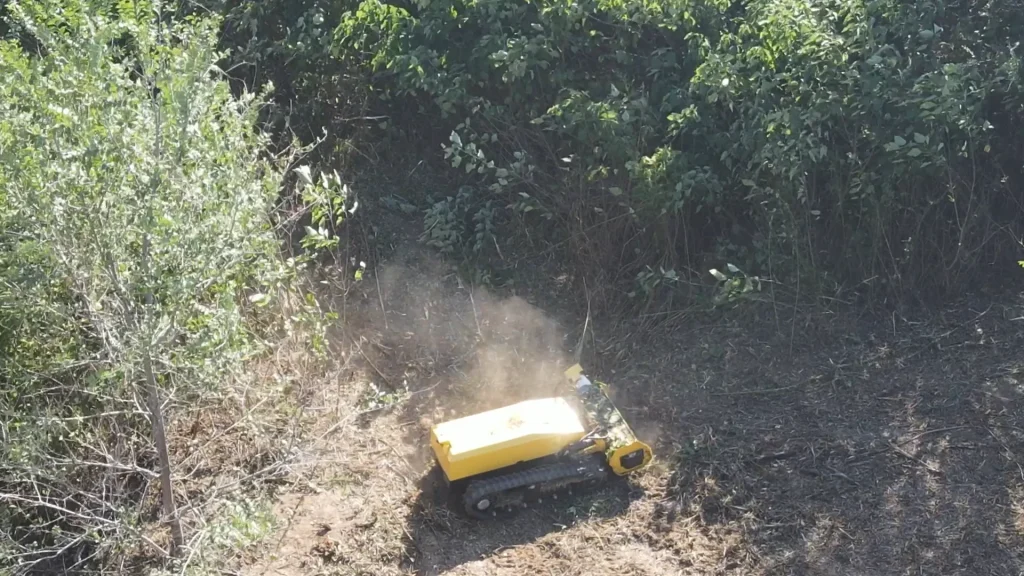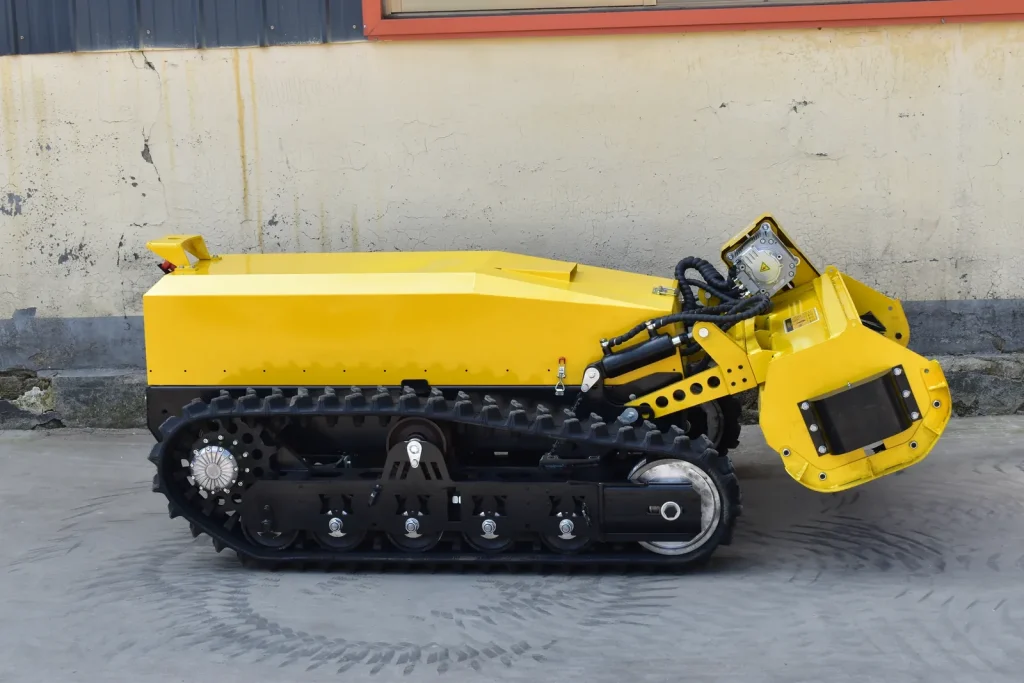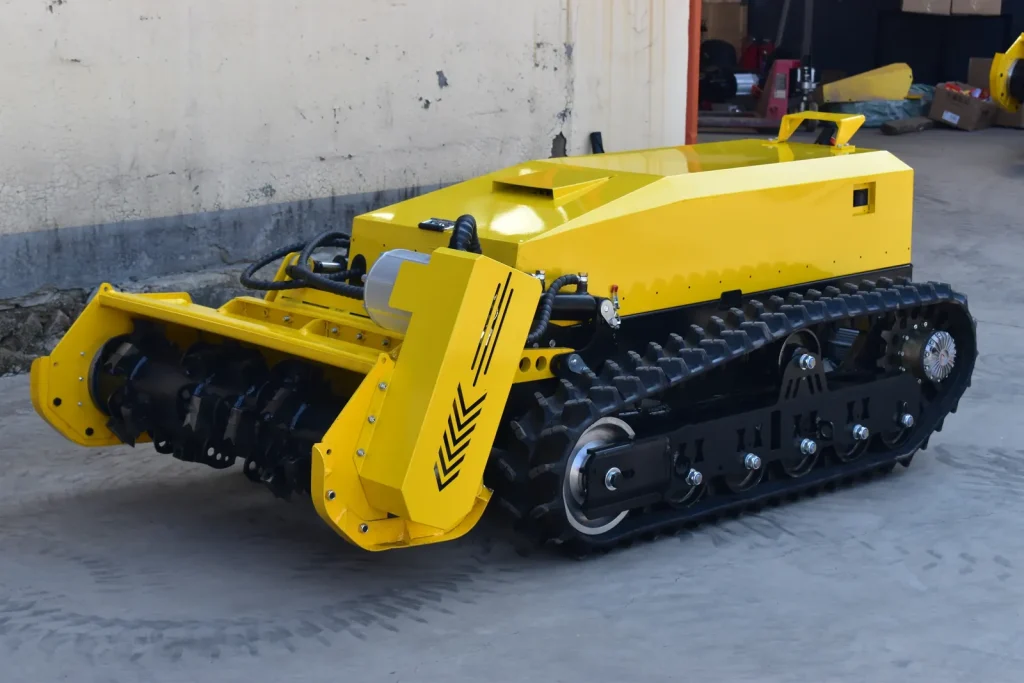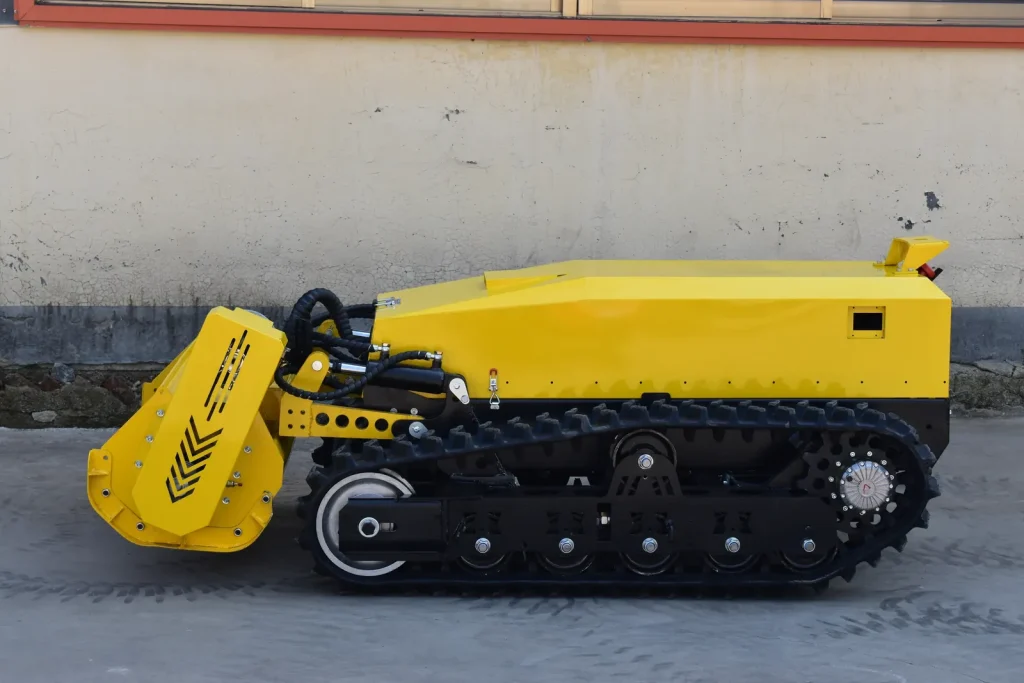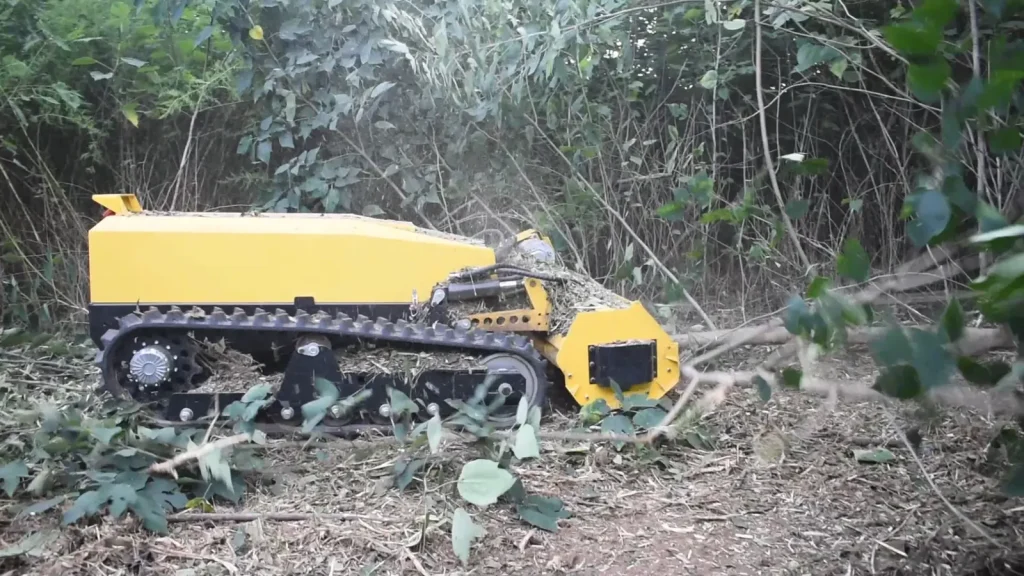

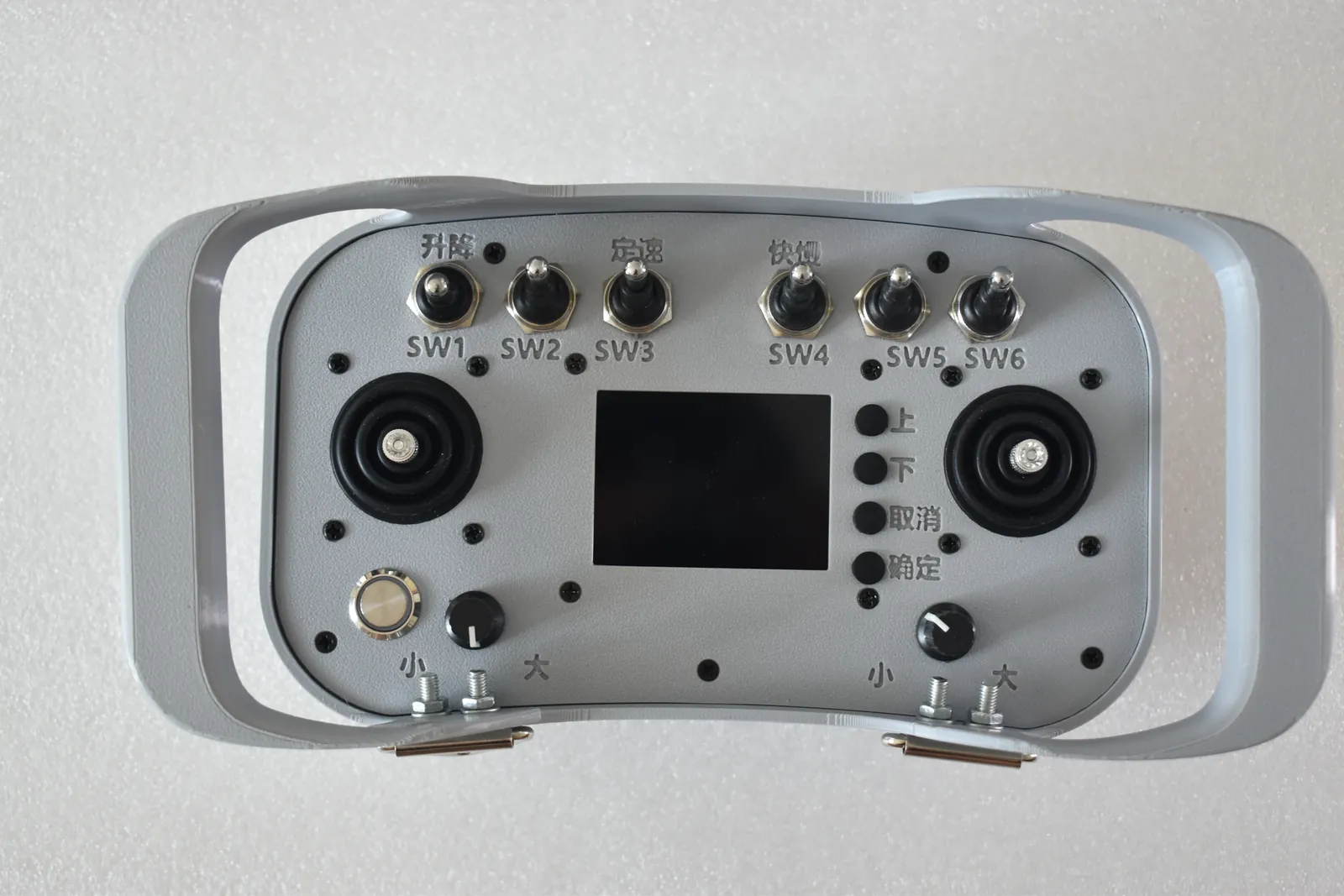
Moving the machine, running the cutting assembly and positioning the head are separate control tasks. During a pass, the operator brings them together around the vegetation and ground ahead.
The handset provides those controls and a view of machine status. Understanding what each control does is the starting point for remote operation.
Move the machine into the work
Travel and steering controls position the machine and set its advance into the vegetation. The operator watches the route, the head and the response of the cutting assembly while making those adjustments.
Ground speed affects how quickly material reaches the head. If the cutting shaft slows under load, withdraw from that loaded area and let the rotor recover speed before continuing. This is the operating response described in our brush-cutter manual.
Our cutting-head feed guide explains the connection between that advance and the material entering the rotor.
Control cutting and head position separately
The cutting control operates the rotating assembly. The lift control changes the position of the head through the hydraulic arrangement. Identify both controls on the handset supplied with the machine before the first job.
Keeping those tasks separate helps when discussing a demonstration or a service question. Say whether the issue concerns travel, cutting rotation or lift, and show the machine’s response. A view of the handset together with the machine gives that explanation useful context.
The mechanical movement is covered in our guide to the cutting-head lift. That article follows the arms, pivots and cylinders connecting the head to the chassis.
Read the handset alongside the machine
The handset shown here combines joysticks, switches, rotary controls and a central display. The display provides operating information while the operator keeps the machine itself in view.
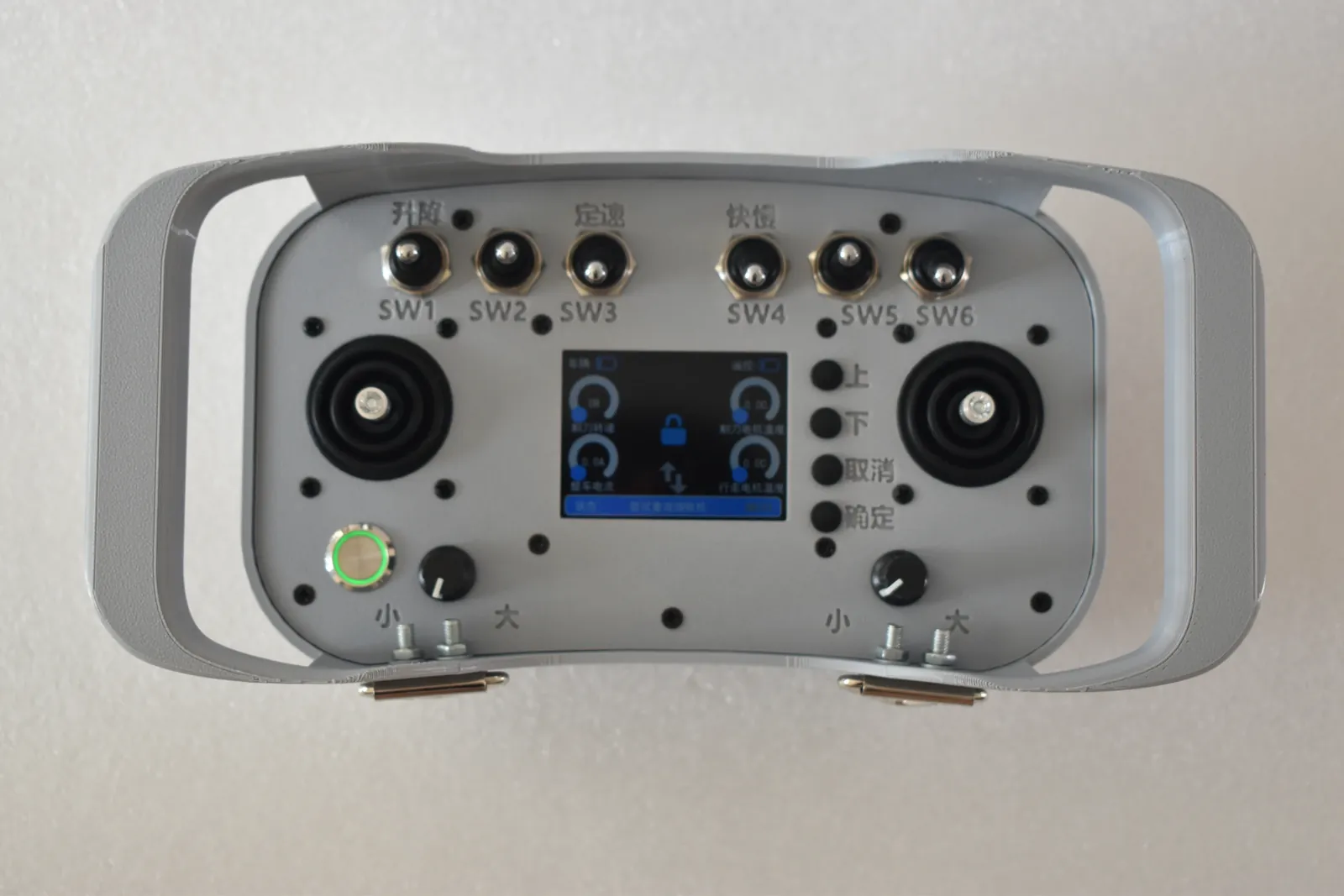
When asking about a displayed reading or warning, send a clear photograph of the screen, the handset identification and the machine model. Include what the machine was doing at the time. These details help identify the fitted control system and the information on that screen.
Check the machine battery and handset power separately before work. Each supplies a different part of the operation. Our pre-start checks cover both alongside the blades, guards and running gear.
Keep control of the working area
Remote operation gives the operator a position away from the machine. Keep the machine in view and keep other people clear of the working area throughout the job.
Locate the normal stop and emergency-stop controls identified in the supplied instructions. Before approaching the cutting assembly for inspection or cleaning, shut down, complete the specified isolation procedure and wait for the rotor to stop fully.
For a control-system enquiry, send us the handset and machine details together. A complete view followed by a close-up of the control or display involved is a useful starting point.